Getting Started
Getting Started
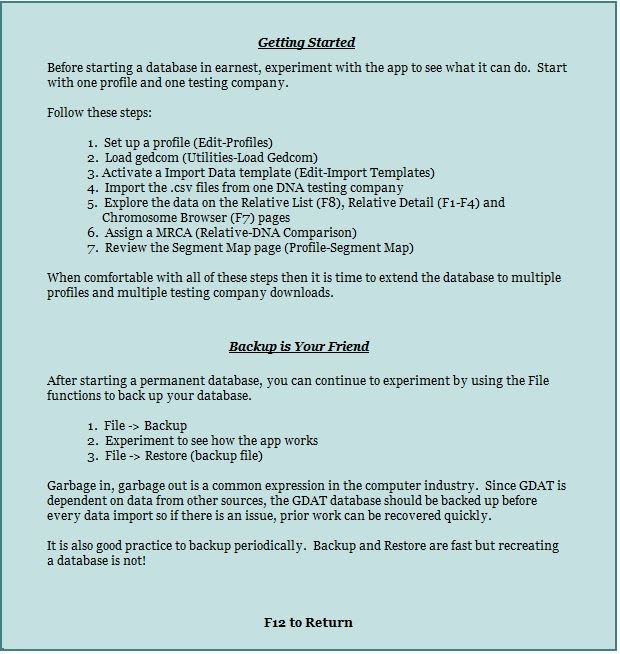
Before starting with a database in earnest, experiment with the app to see what it can do. Start with one profile and one testing company.
Follow these steps:
- Set up a profile (Edit > Profiles)
- Load gedcom (Utilities > Load Gedcom)
- Activate an Import Data template (Edit > Import Templates)
- Import the .csv files from one DNA testing company
- Explore the data on the Relative List (F8), Relative Detail (F1-F4), and Chromosome Browser (F7) pages.
- Assign a MRCA (Relative > DNA Comparison)
- Review the Segment Map page (Profile > Segment Map)
When comfortable with all of these steps then it is time to extend the database to multiple profiles and multiple testing company downloads.
Backup is Your Friend
After starting a permanent database, you can continue to experiment by using the File functions to back up your database.
- File -> Backup
- Experiment to see how the app works
- File -> Restore (backup file)
Garbage in, garbage out is a common expression in the computer industry. Since GDAT is dependant on data from other sources, the GDAT database should be backed up before every data import so if there is an issue, prior work can be recovered quickly.
It is also good practice to backup periodically. Backup and Restore are fast but recreating a database is not.